01 / VERIFY
Start with facts you trust
Import a DOCX or text-based PDF résumé, review what was extracted, and verify individual experience facts before they support recommendations.
Local-first Chrome extension
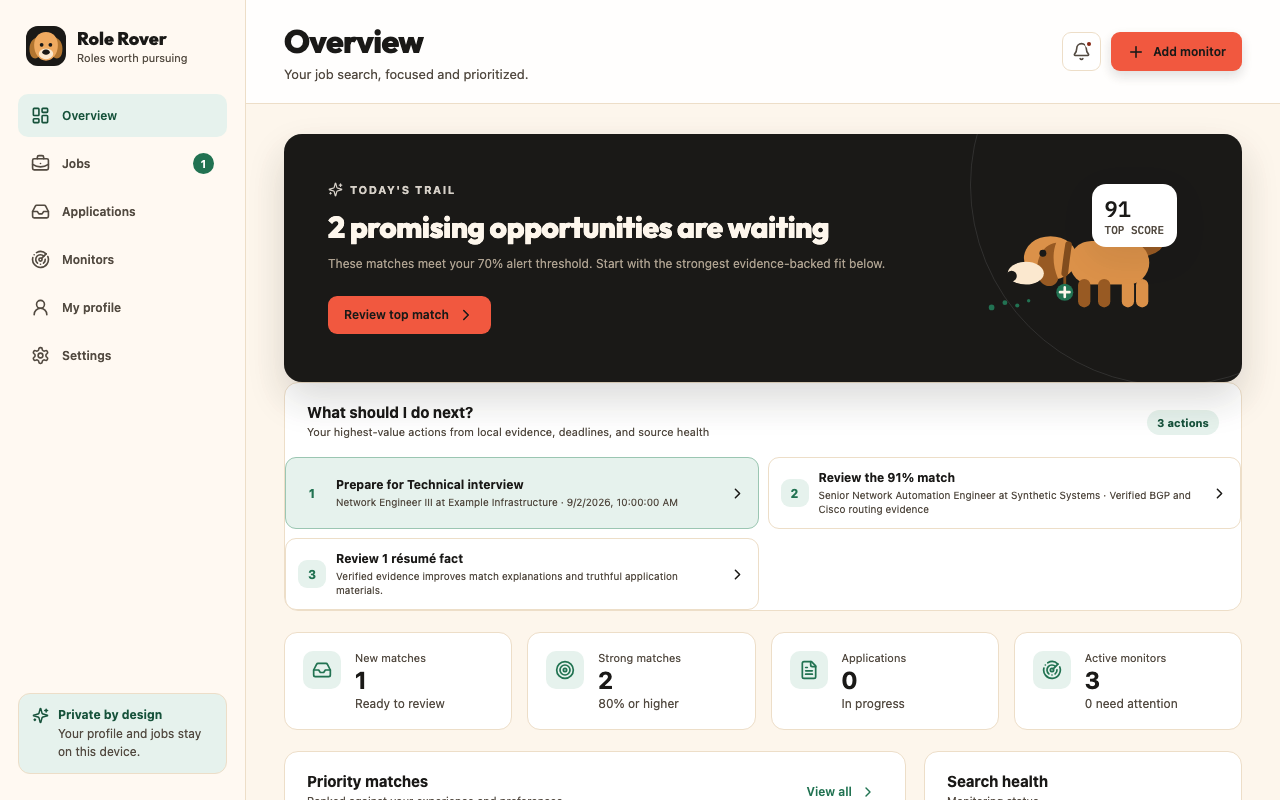
Role Rover turns your browser into a focused job-search workspace: monitor roles, understand fit, prepare stronger materials, and keep every next step in view.
Available in the Chrome Web Store
A calmer search
Role Rover helps you decide where to spend your time. It keeps the evidence behind each match visible and leaves consequential choices with you.
01 / VERIFY
Import a DOCX or text-based PDF résumé, review what was extracted, and verify individual experience facts before they support recommendations.
02 / MONITOR
Create title-and-location monitors across supported sources. Source health exposes stale, partial, blocked, or verification-required results.
03 / PURSUE
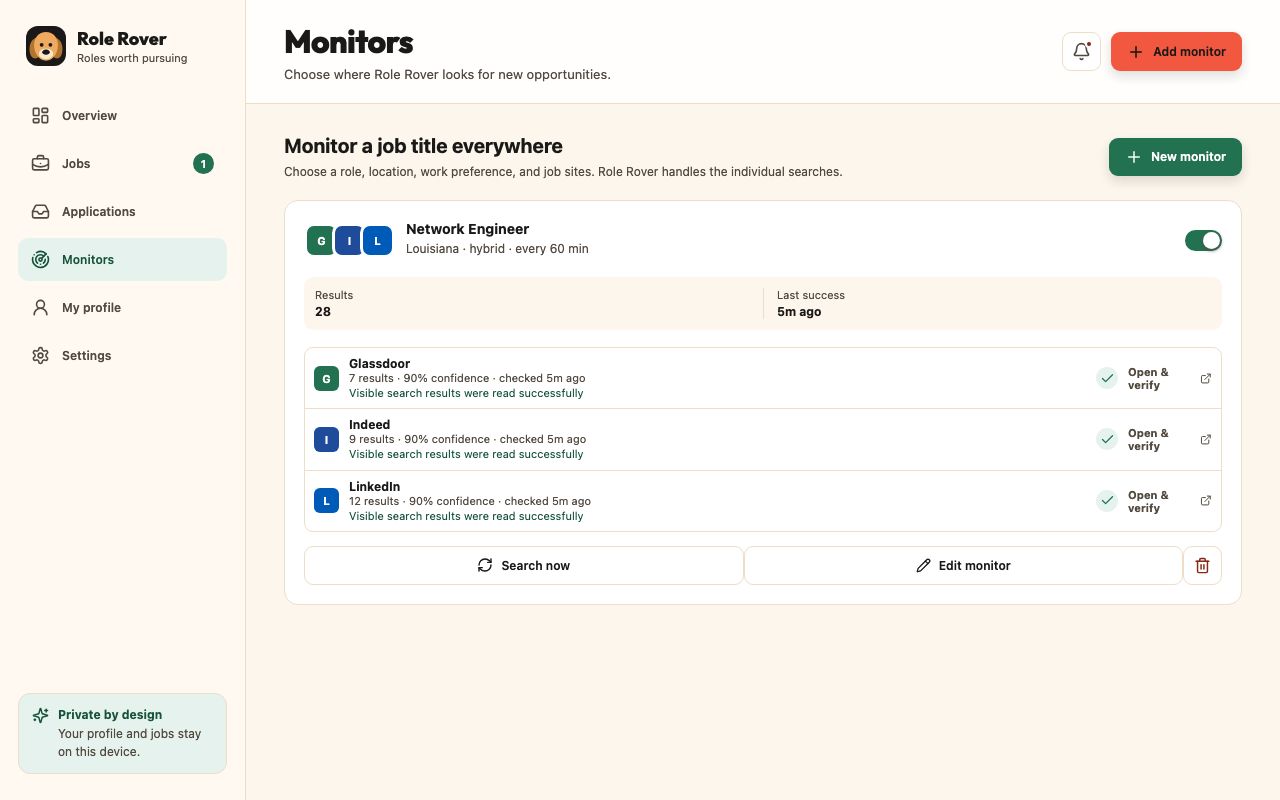
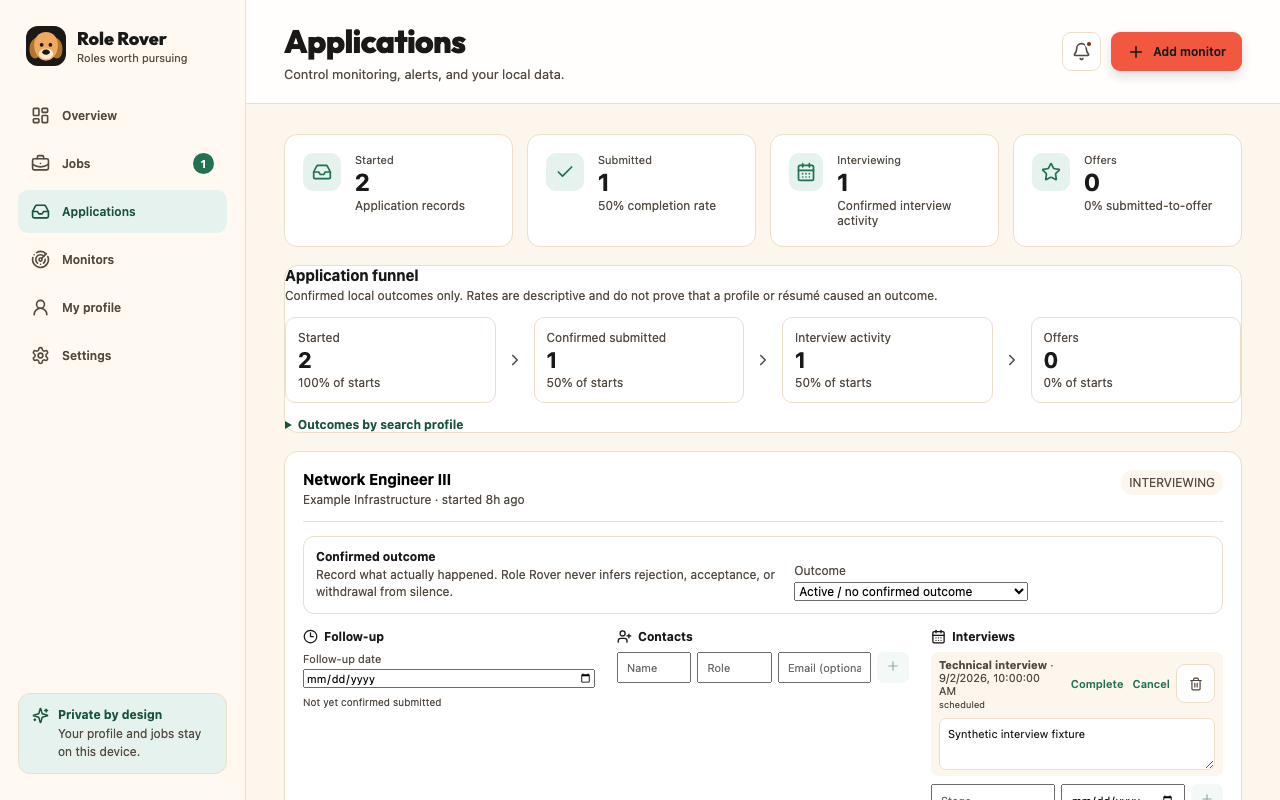
Track applications, contacts, follow-ups, interviews, and offers. Prepare Application Packs and fill reviewed fields without surrendering final control.
Your evidence, explained
Role Rover shows matched evidence, gaps, missing information, collection confidence, analysis method, and timing. AI can assist when you choose it; deterministic local matching remains available.
There is no Role Rover account or hosted profile database. Résumé facts, jobs, materials, and application history live in browser-managed extension storage.
Understand the privacy boundaryChrome built-in AI, local Ollama, Claude, USAJOBS, and Apify each have distinct setup, consent, data, and cost boundaries. They are not required for core use.
Compare optional services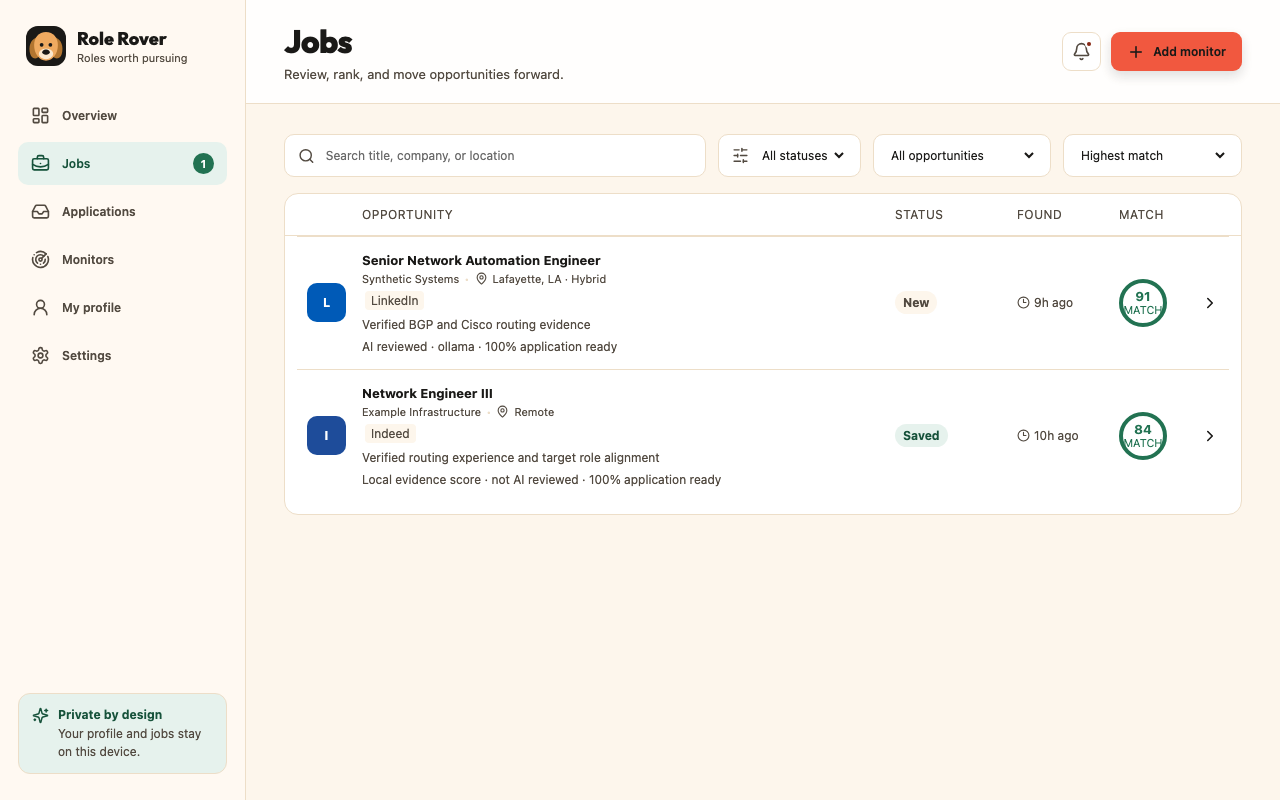
A firm boundary
It can inspect supported fields and fill only the values you select after review. Role Rover never clicks Submit. You inspect the finished application and submit it yourself.
Support independent development
If Role Rover saved you time, improved your search, or helped you land the right role, you can leave an optional tip. Tipping never unlocks features or changes how the extension works.
Checkout is securely hosted by Stripe. Role Rover does not receive or store your card details. Tips are not represented as tax-deductible donations.
Available now
Version 1.0.7 is publicly available. Install it from the official listing, review Chrome's permission prompt, and open Role Rover from the Extensions menu.